AI Models & Trust
ROBIN uses a PyTorch MLP (ProcessGeometryMLP) to predict process geometry
from process parameters, or to suggest parameters for a target geometry. Models
are managed through the dashboard and the REST API.
Model Control in the Dashboard
Navigate to the Models & Trust tab in the sidebar.
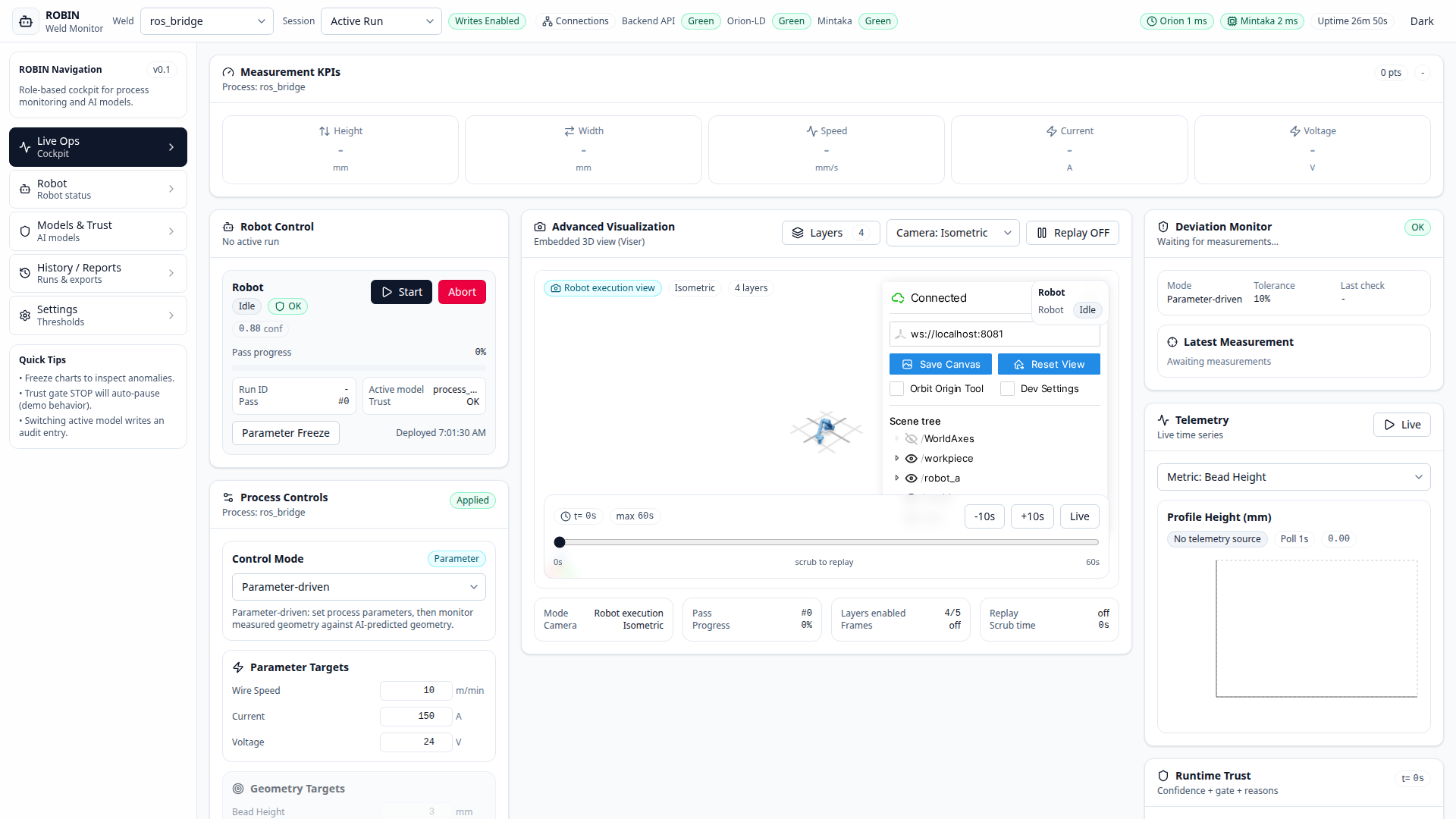
Active Model
The top card shows the currently loaded checkpoint - name, file path, and size.
The model is loaded at startup from the path specified in the active profile’s
ai.model_path field.
Checkpoint Registry
All .pt files found under data/models/ are listed with their size and
modification date. Click Load to switch the active model at runtime.
Quick Prediction
Enter the AI input values for the active profile, then click Predict Geometry to run a forward pass and see predicted height and width instantly. For the current welding profile, the inputs are wire feed speed, travel speed, and arc length correction.
Model Routing
ROBIN supports position-based routing: assign different model checkpoints to robot positions PA and PC. This lets you run specialised models per station.
Trust Thresholds
Set the Warning and Stop confidence levels. When the runtime trust score for a robot drops below a threshold, the corresponding safety gate fires:
Warning - operator is alerted, robot continues
Stop - robot pauses automatically
API Endpoints
Endpoint |
Description |
|---|---|
|
List all available model checkpoints |
|
Get the currently loaded model |
|
Load a specific checkpoint by path |
|
Run a forward prediction with the profile-defined AI input features |
Training a New Model
python scripts/train_profile_model.py
This script:
Reads each profile’s
ai.feature_orderandai.model_pathGenerates synthetic training data using a profile-specific demo simulator
Trains a
ProcessGeometryMLPnetwork with the profile feature names baked into the checkpointSaves the checkpoint to the configured
ai.model_pathwhen that file is missing
Existing checkpoints are skipped by default so the command does not replace the
committed welding reference model. Use --profile <name> to train one profile
or --overwrite when intentionally replacing an existing checkpoint.
Model Architecture
ProcessGeometryMLP maps 3 input features to 2 outputs:
Inputs: 3 profile-defined AI inputs (order defined by
ai.feature_orderin the profile YAML). For the welding profile these arewire_feed_speed_mpm_model_input,travel_speed_mps_model_input, andarc_length_correction_mm_model_input.Outputs: predicted height, predicted width
Normalisation: per-feature mean/std stored in the checkpoint
Configurable: number of hidden layers, hidden size, dropout rate